Clean Up Resources
In this section, you will disable AWS Security Hub to avoid incurring costs for your AWS account (Most of the cost of enabling Security Hub comes from AWS Config). However, if you are deploying in a production environment, you should keep AWS Security Hub running to help you better manage account security.
Disable AWS Security Hub
Access Security Hub CSPM
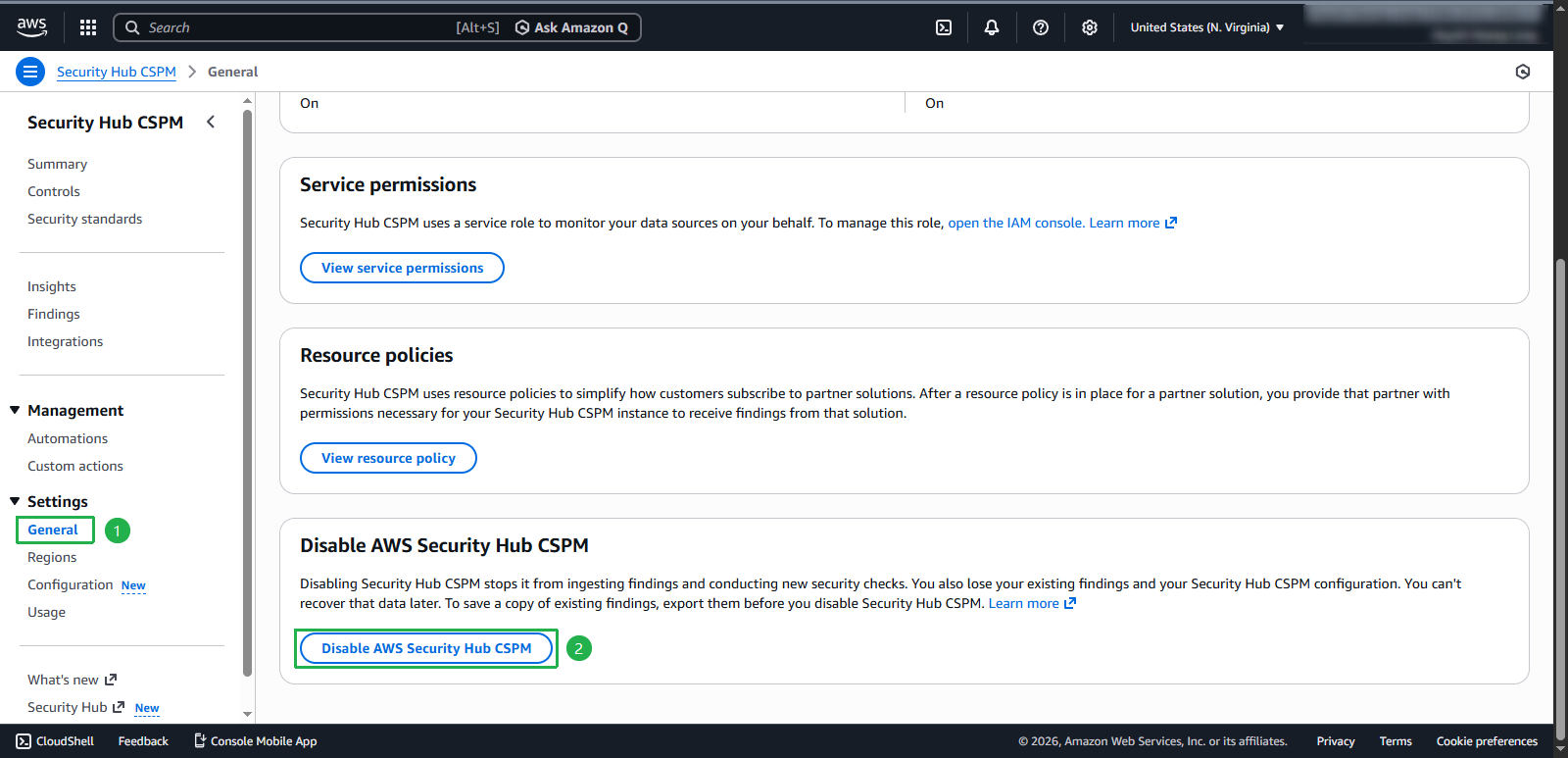
- Select Settings > General in the left sidebar
On the Settings page on the right, select the General tab
- Scroll to the bottom and select Disable AWS Security Hub
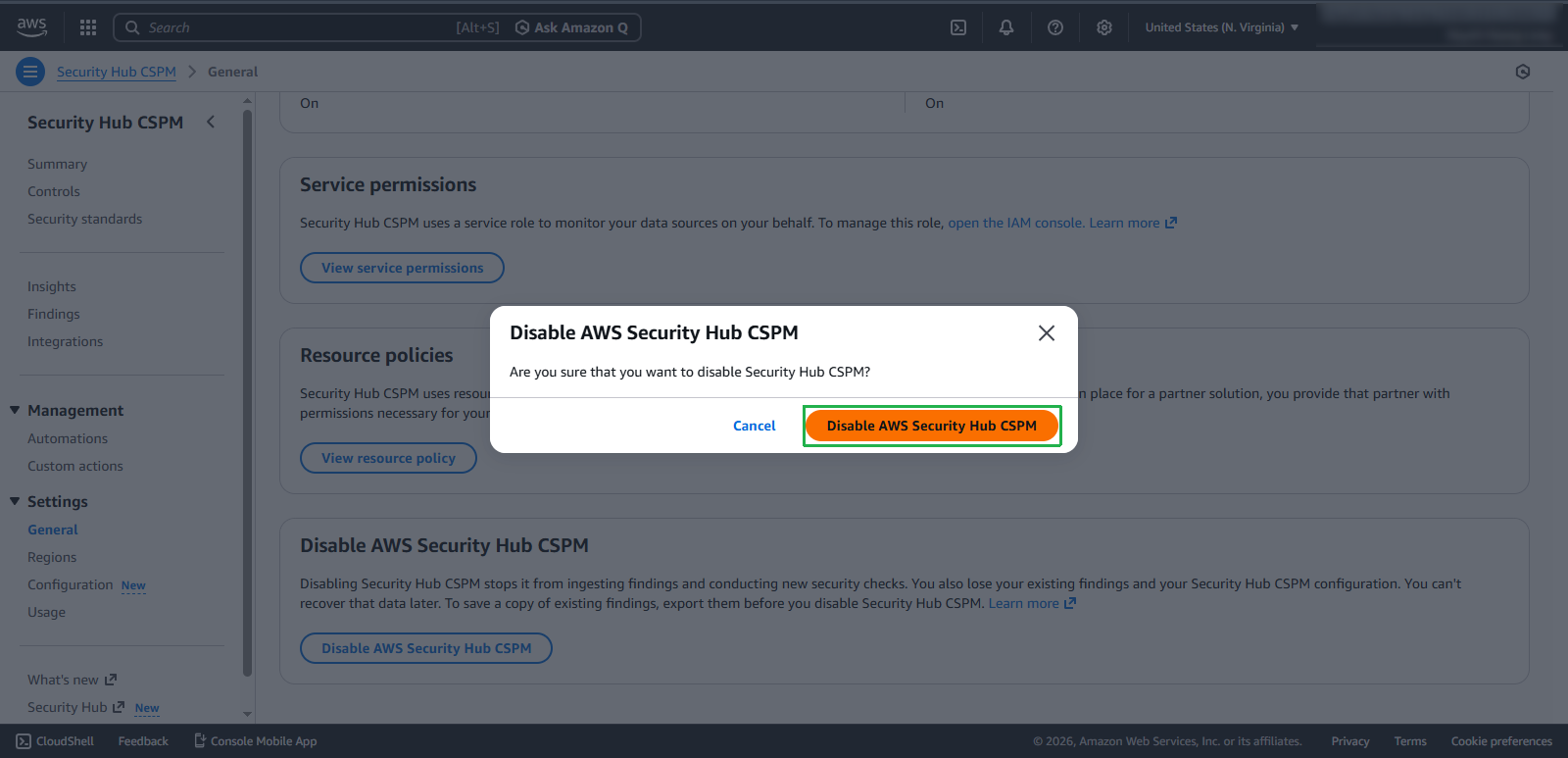
- In the prompt, select Disable AWS Security Hub
- Then select Disable AWS Security Hub CSPM
Disable AWS Config
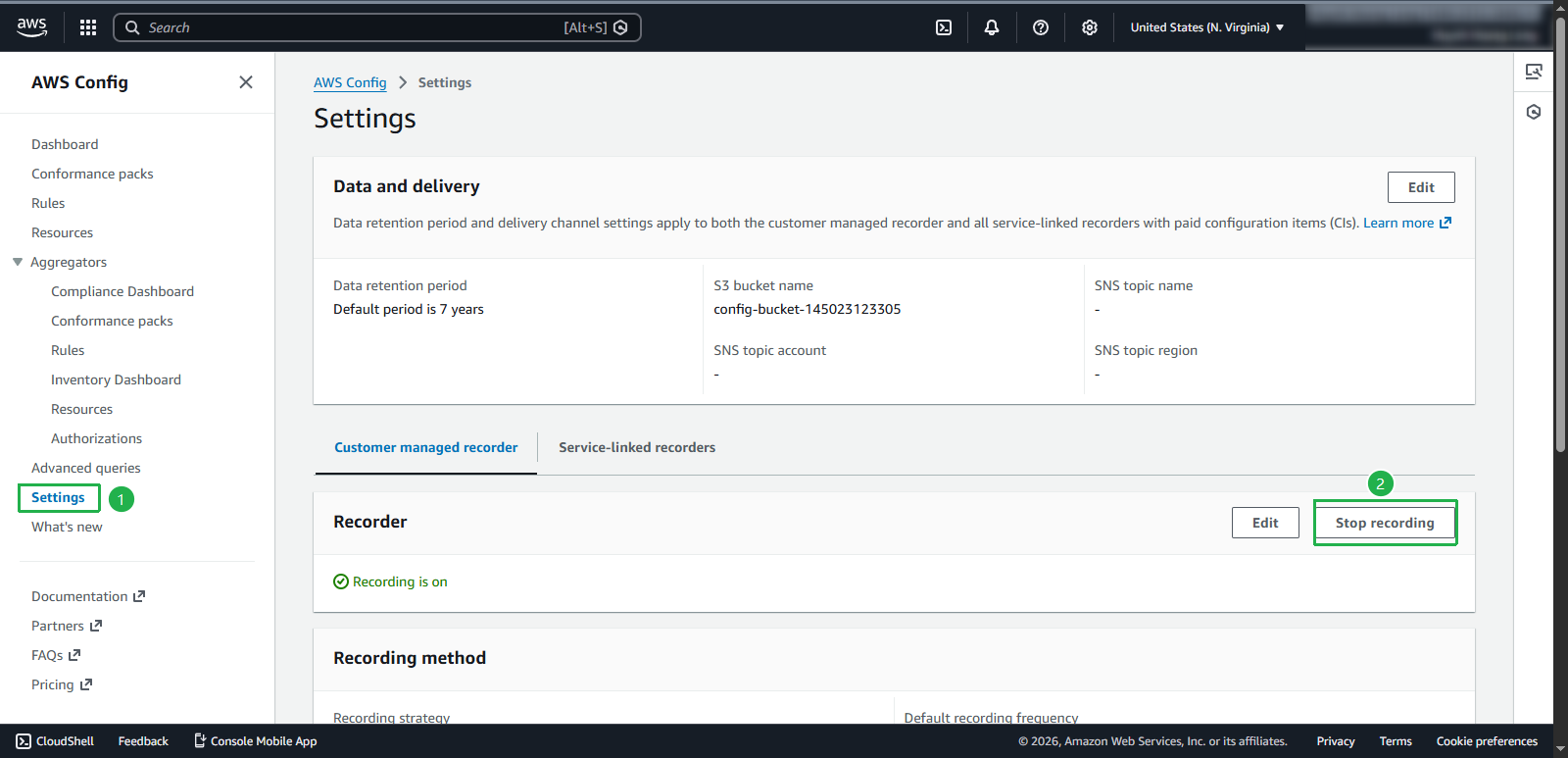
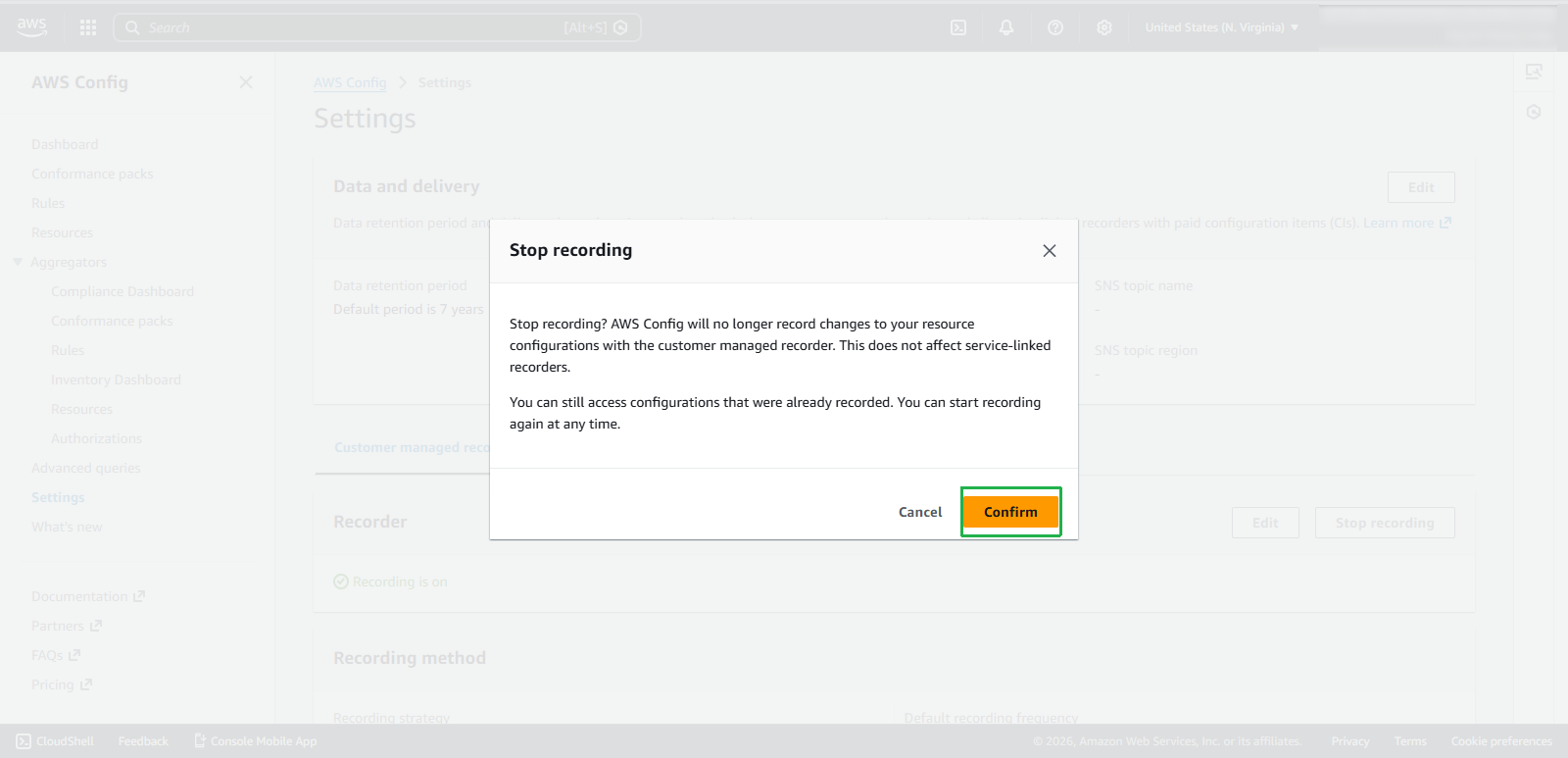
- Access AWS Config, on the right select Settings, select Stop recording
- Select Confirm to confirm
Delete S3 Bucket
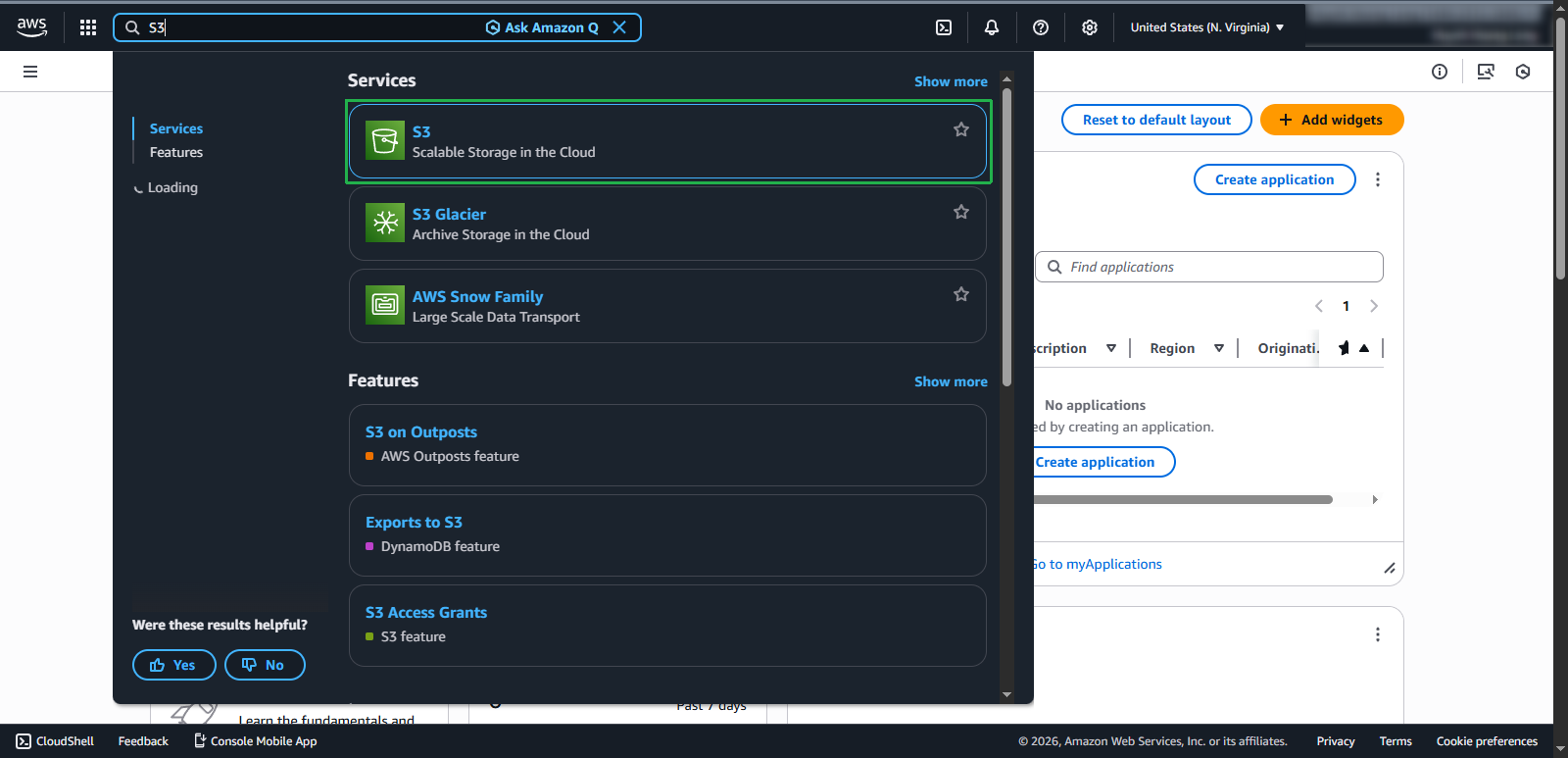
- Access AWS S3 Bucket
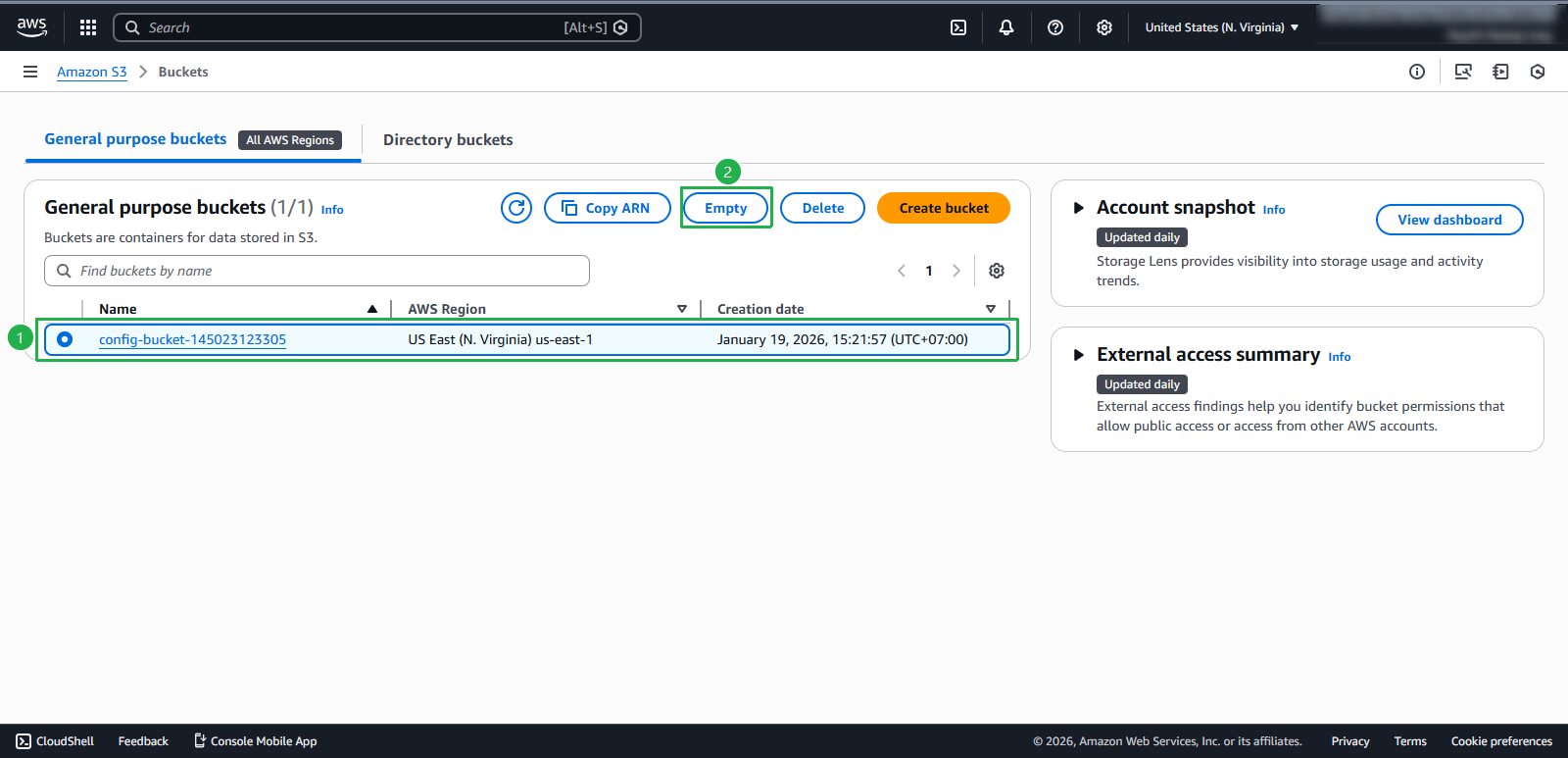
- Select the newly created bucket, select Empty
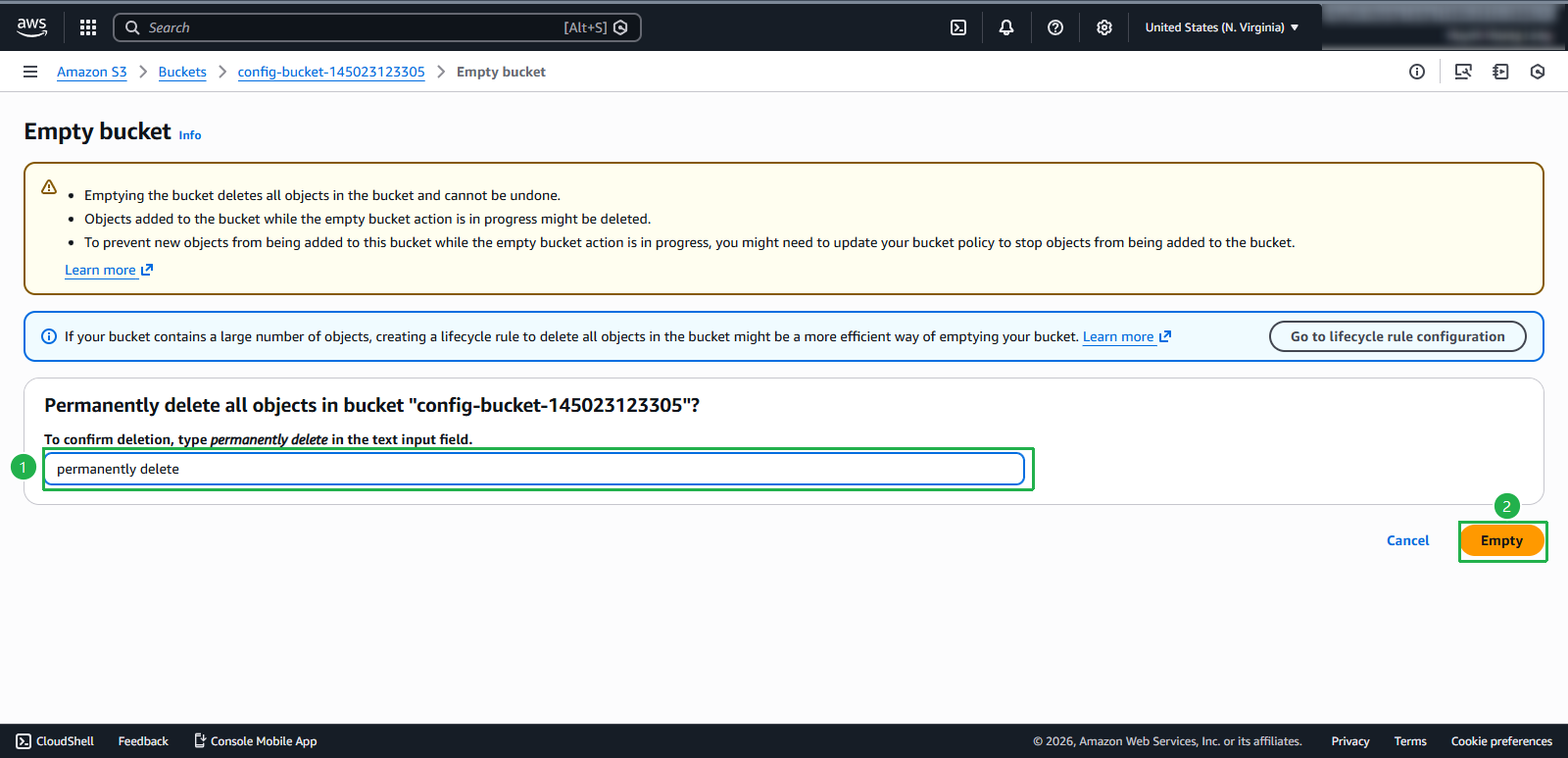
- Enter permanently delete, select Empty.
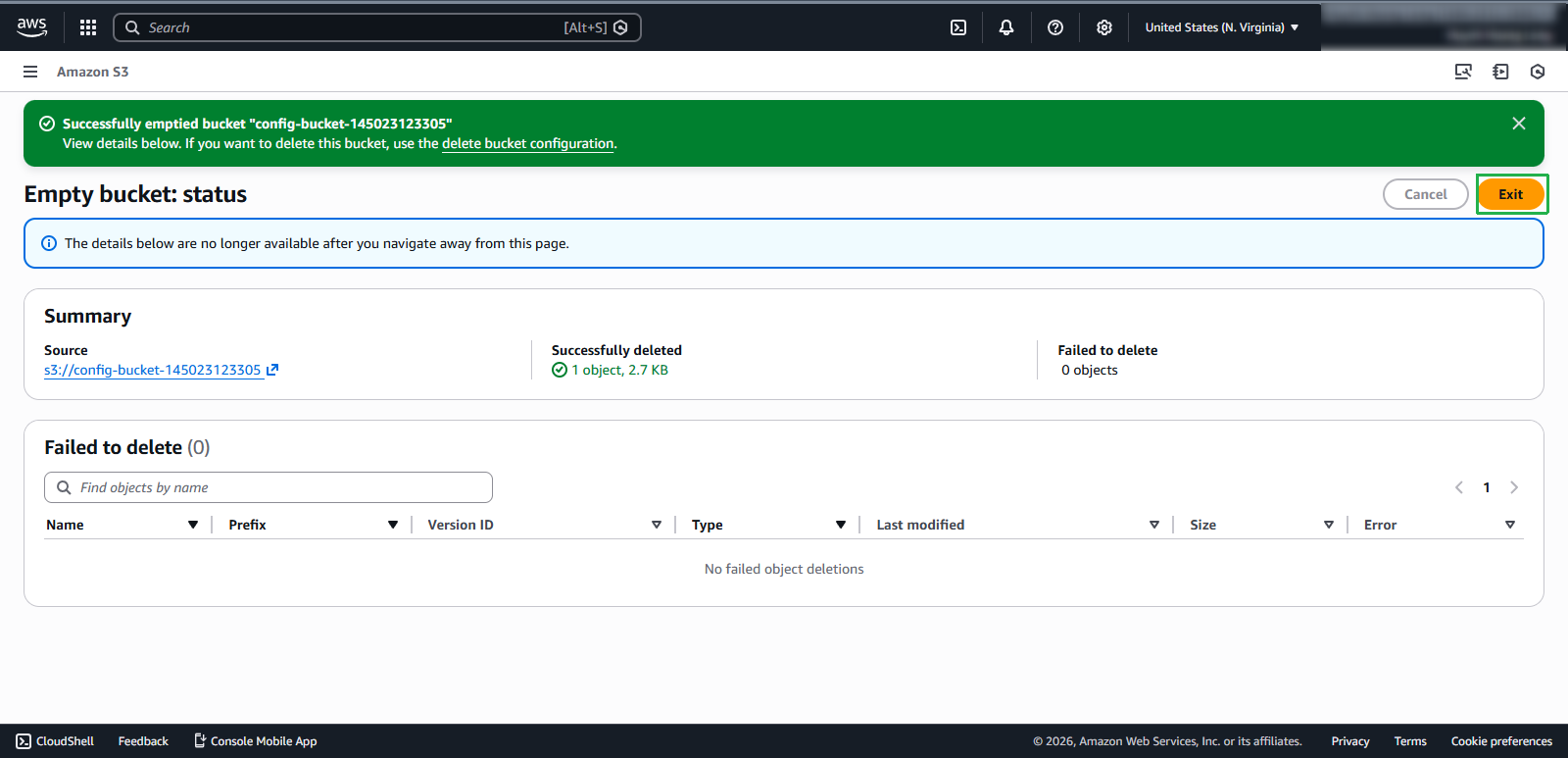
- After deletion is complete, select Exit
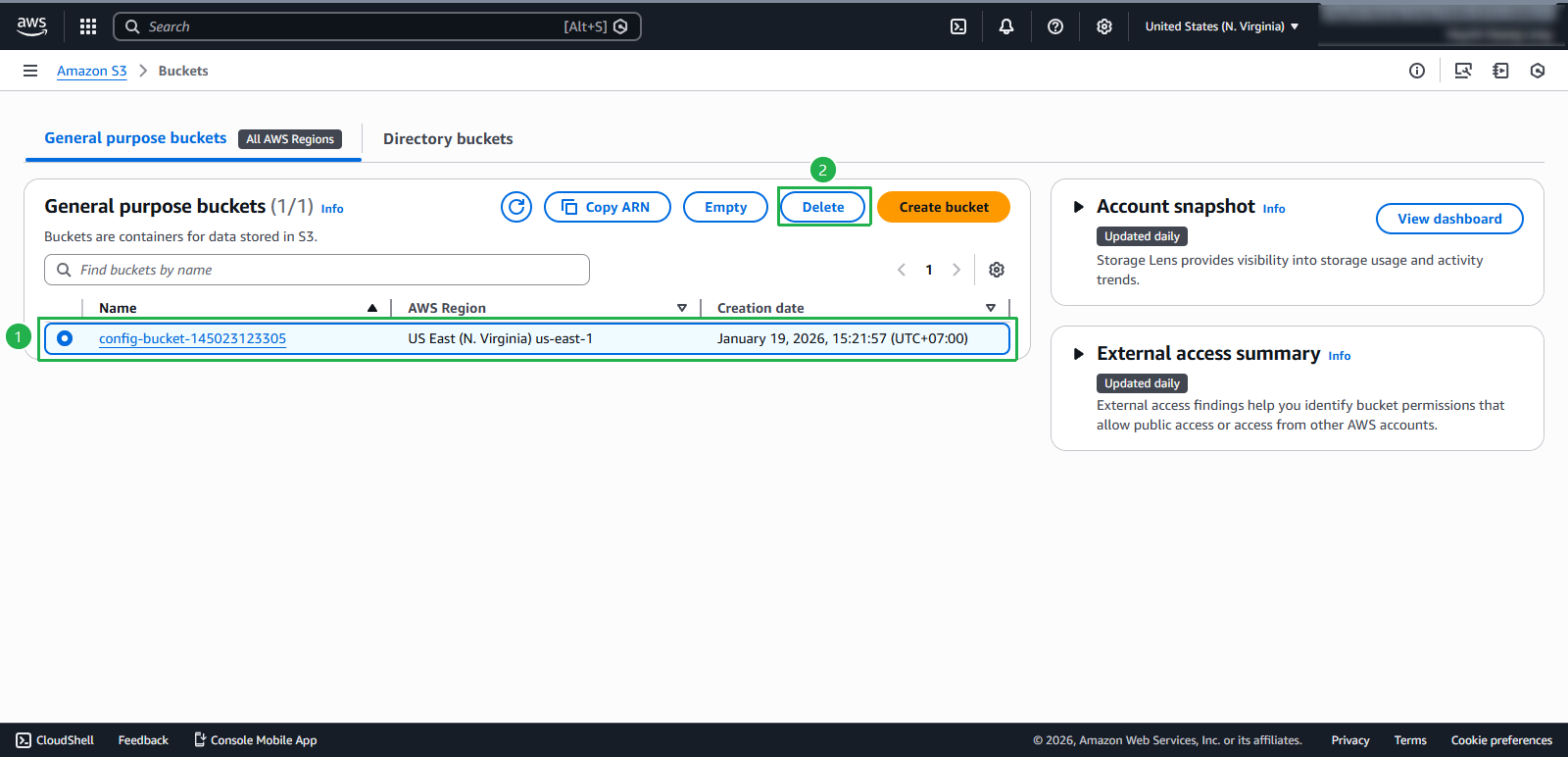
- Select the newly created bucket, select Delete
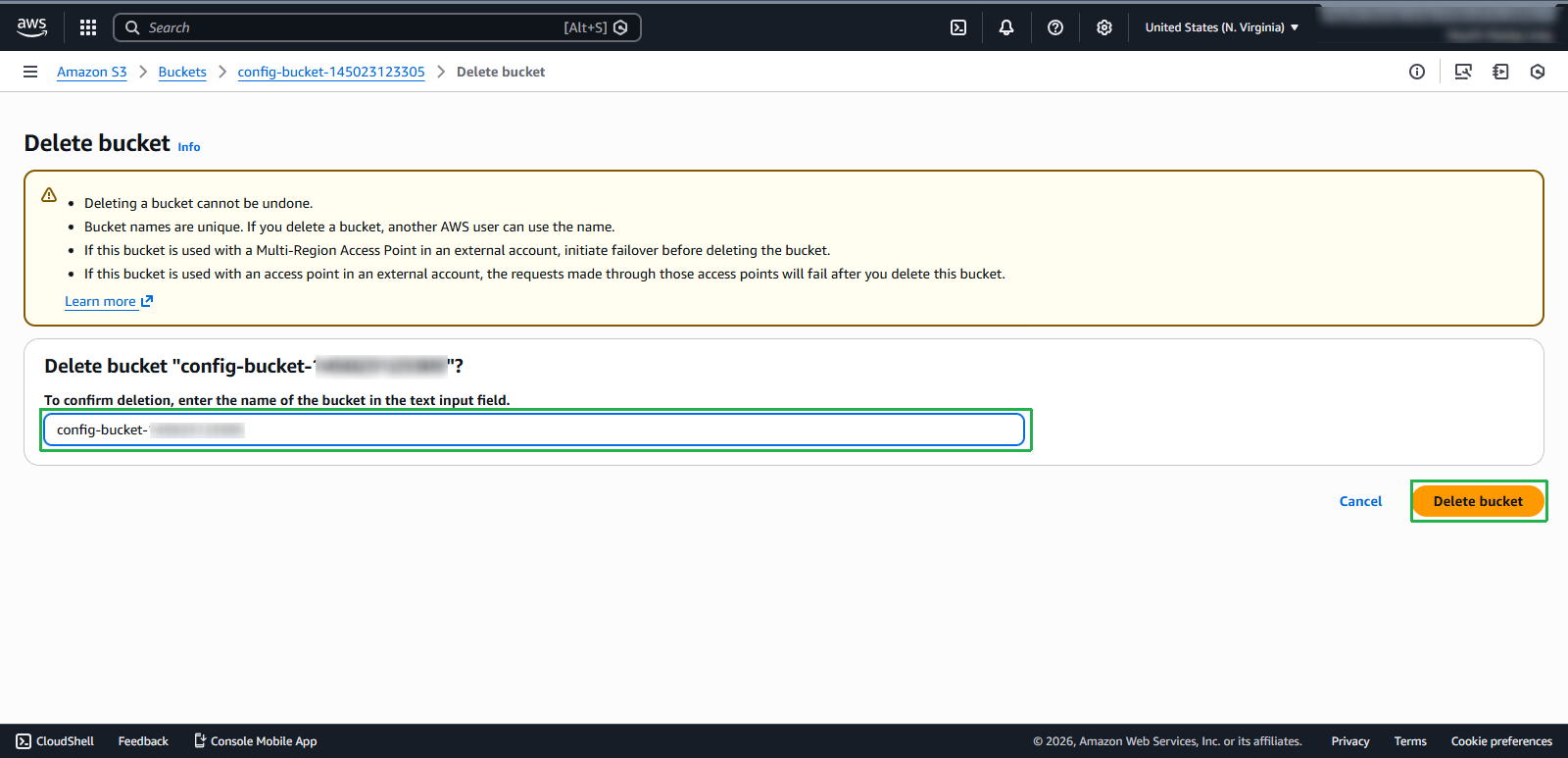
- Enter the bucket name, select Delete bucket